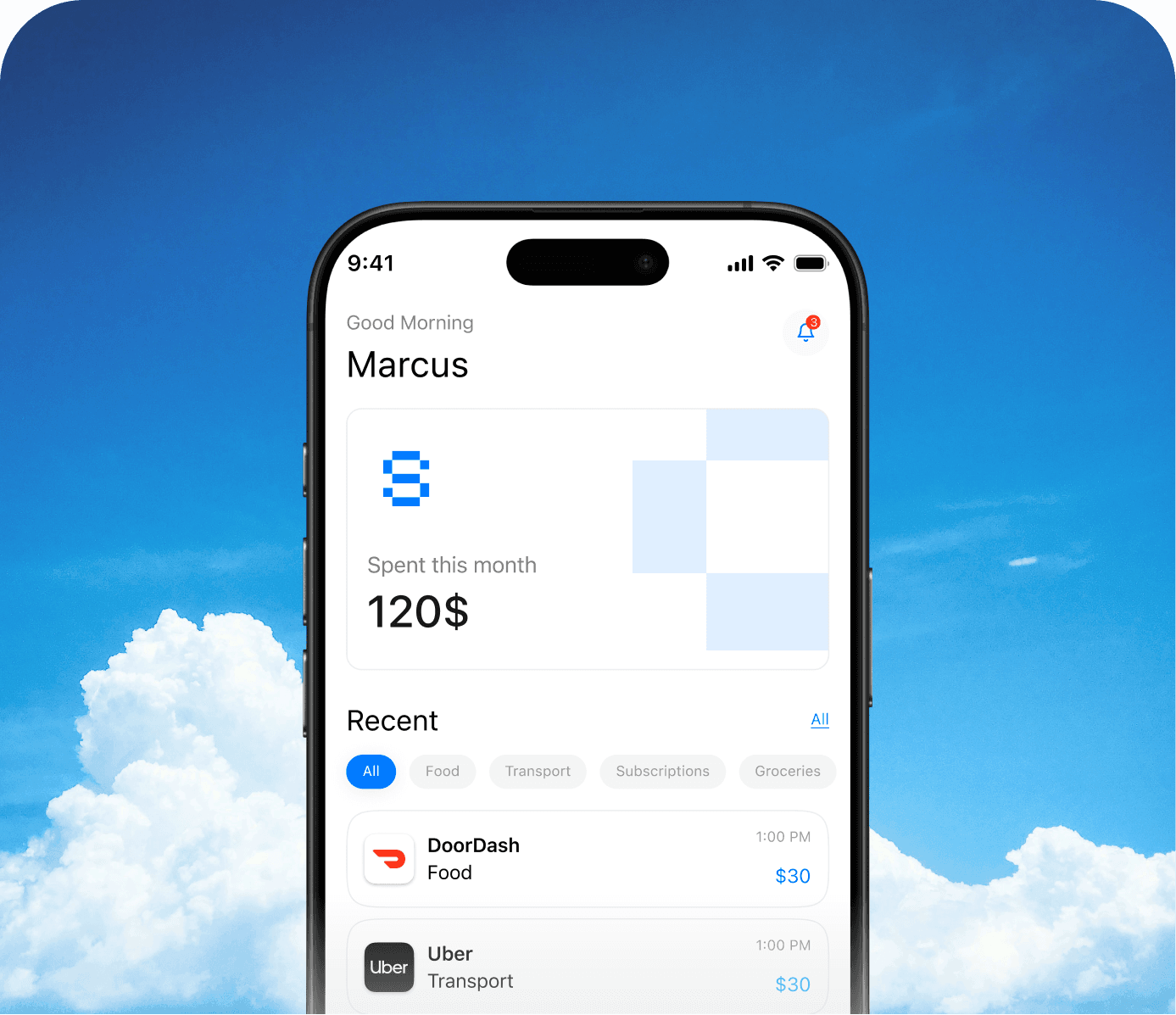
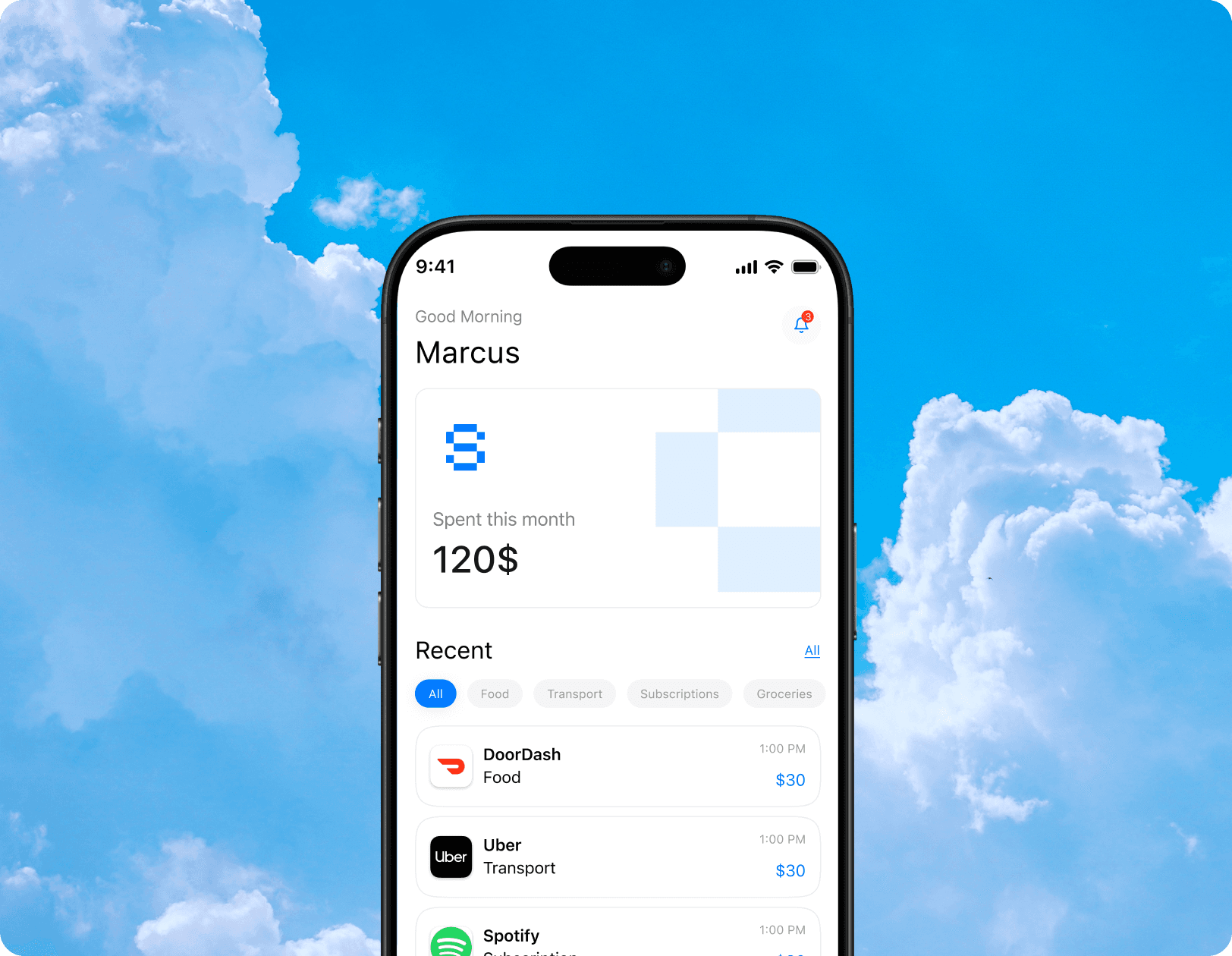
Hero Image

Your money,
captured instantly

A capture-first expense tracker that turns the most painful moment in personal finance — logging a purchase — into a 5-second habit.

Three steps.
That's all.

Every other expense app makes you do the work. We flipped it. Snapense reads, fills, and categorises. You just confirm.

01

Point your camera

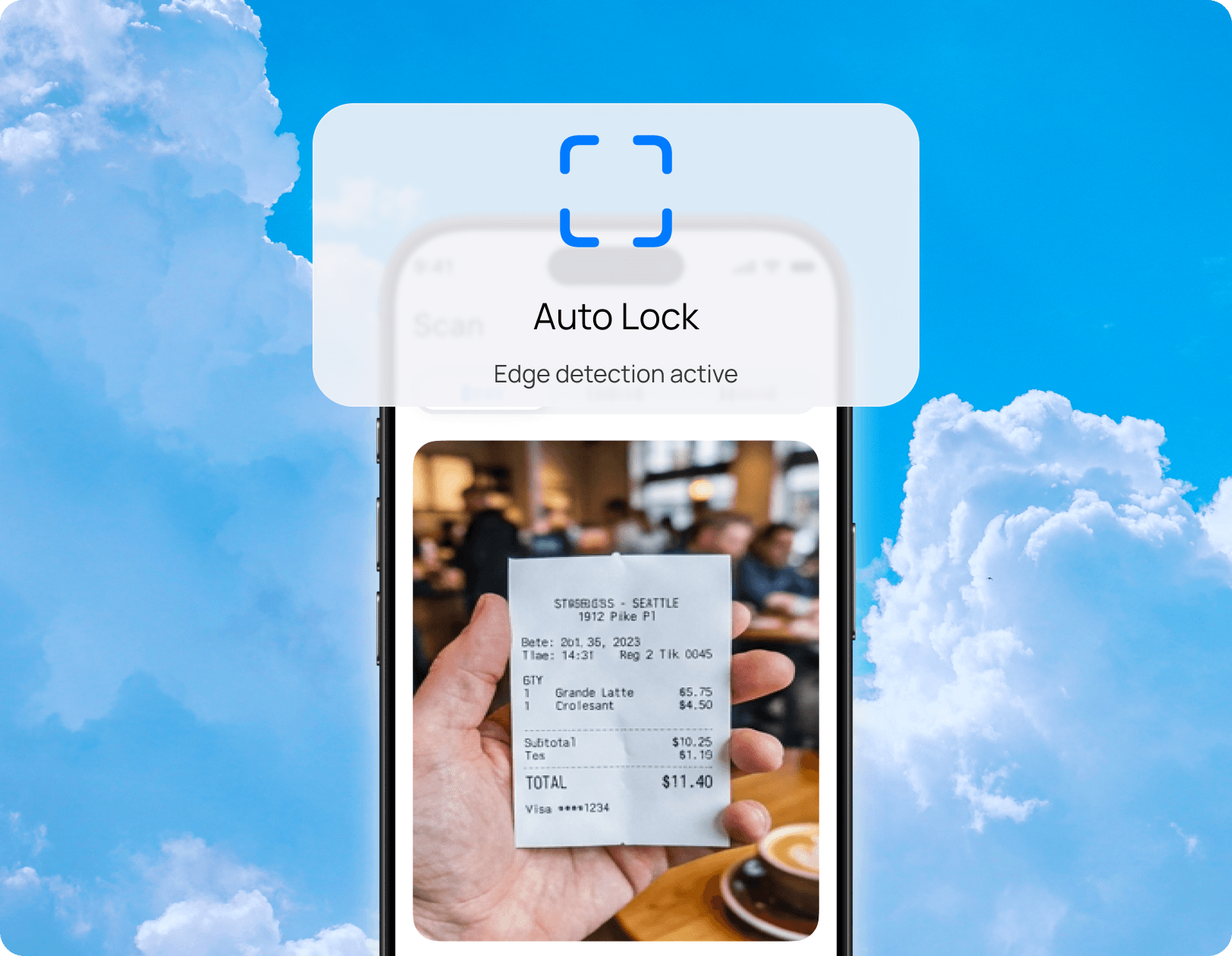
Open Snapense and aim at any receipt, price tag, or invoice. The viewfinder auto-locks onto document edges in real time.

02

We extract everything

03

One tap to save
Snapense step one preview
01

Point your camera

02

We extract everything

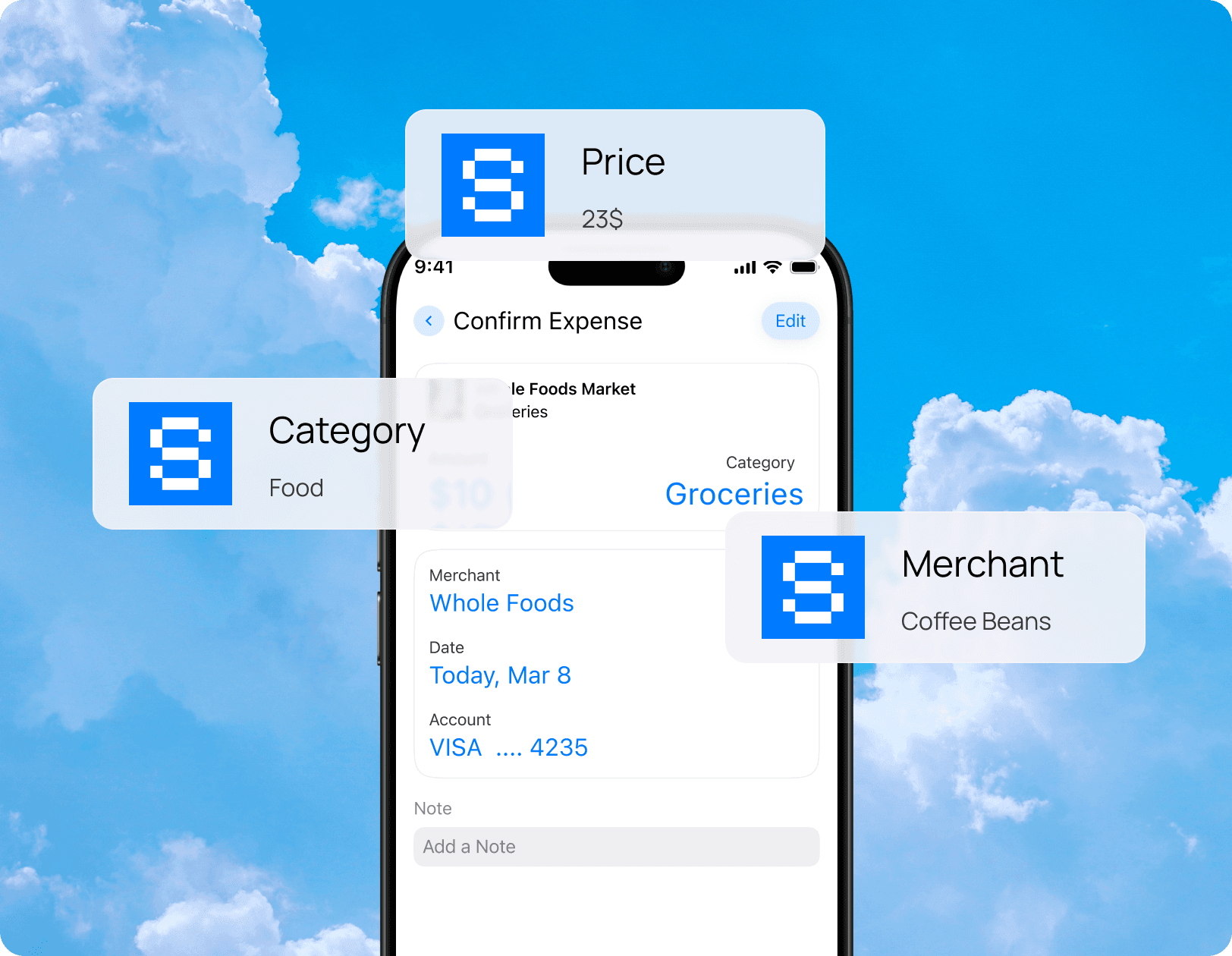
OCR reads merchant name, total, and date in under two seconds. The confirm screen arrives pre-filled. Nothing to type.

03

One tap to save

Snapense step two preview
01

Point your camera

02

We extract everything

03

One tap to save

Hit confirm. The expense is logged, categorised, and instantly visible in your spending breakdown. Done in under five seconds.

Snapense step three preview

0 K+

Downloads in first month

0 s

Avg. capture time

0

Average App Store rating

0%

Bank alert opt-in rate

Built around
your habit.

No feature exists for its own sake. Every decision was made to make logging so fast and automatic you never skip it again.
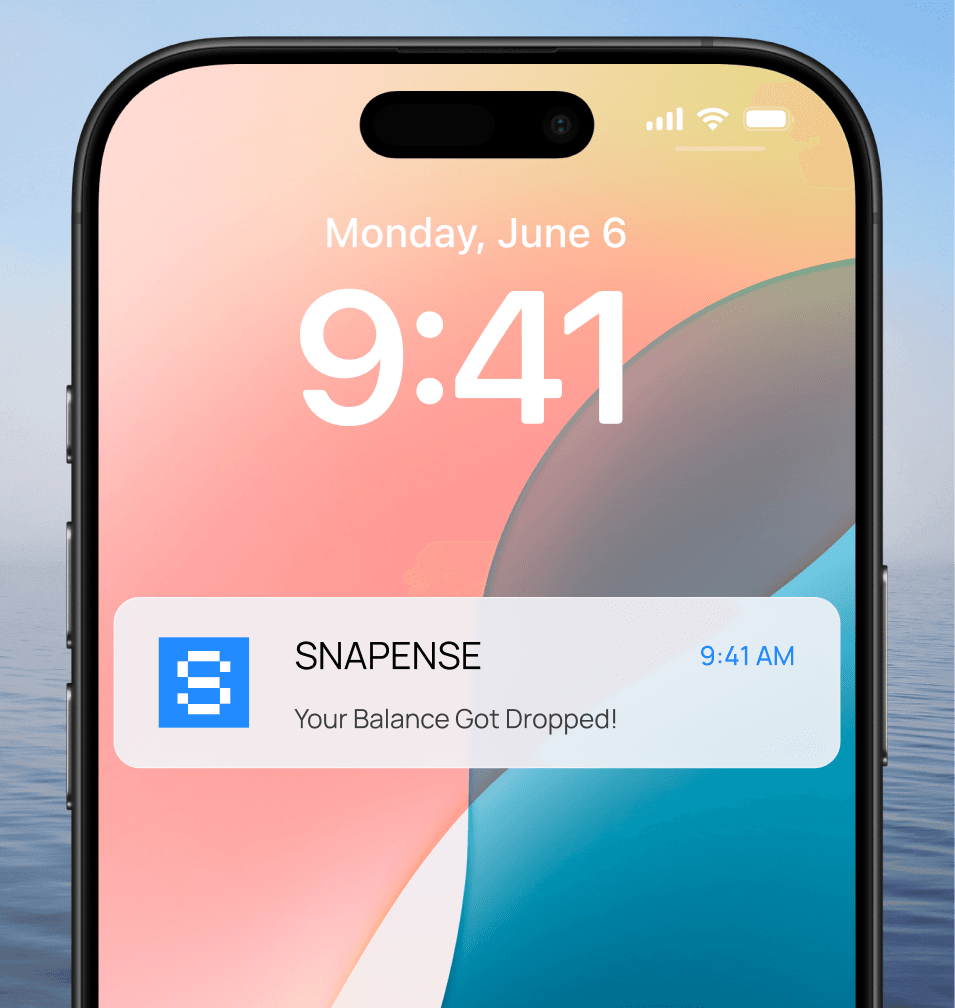
Phone lock screen with Snapense balance drop alert

Bank Drop Alerts

Balance drops the instant you pay. We're there before you forget.
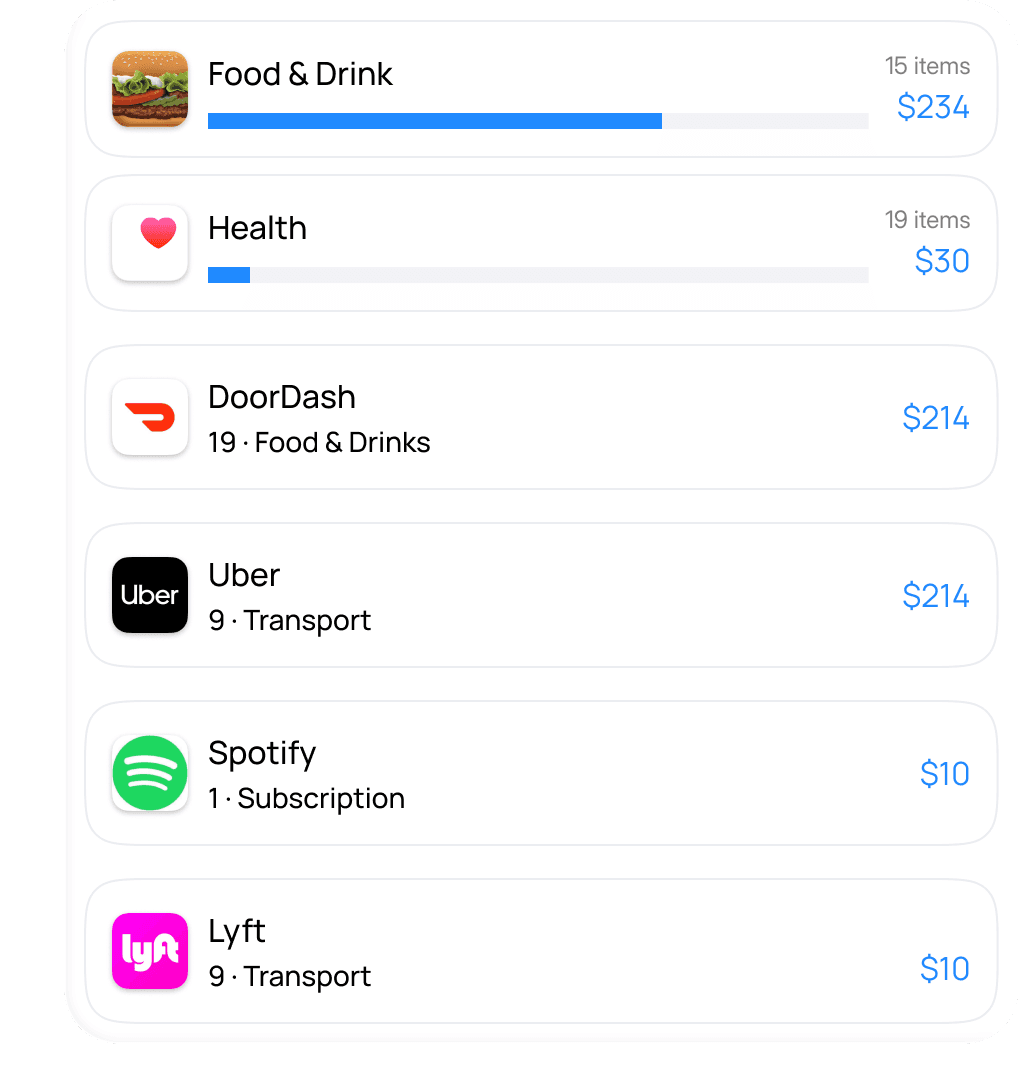
Never miss a spend
Snapense spending categories and merchant list

Spending breakdown

Auto-grouped by merchant, category, and recurring spend patterns.
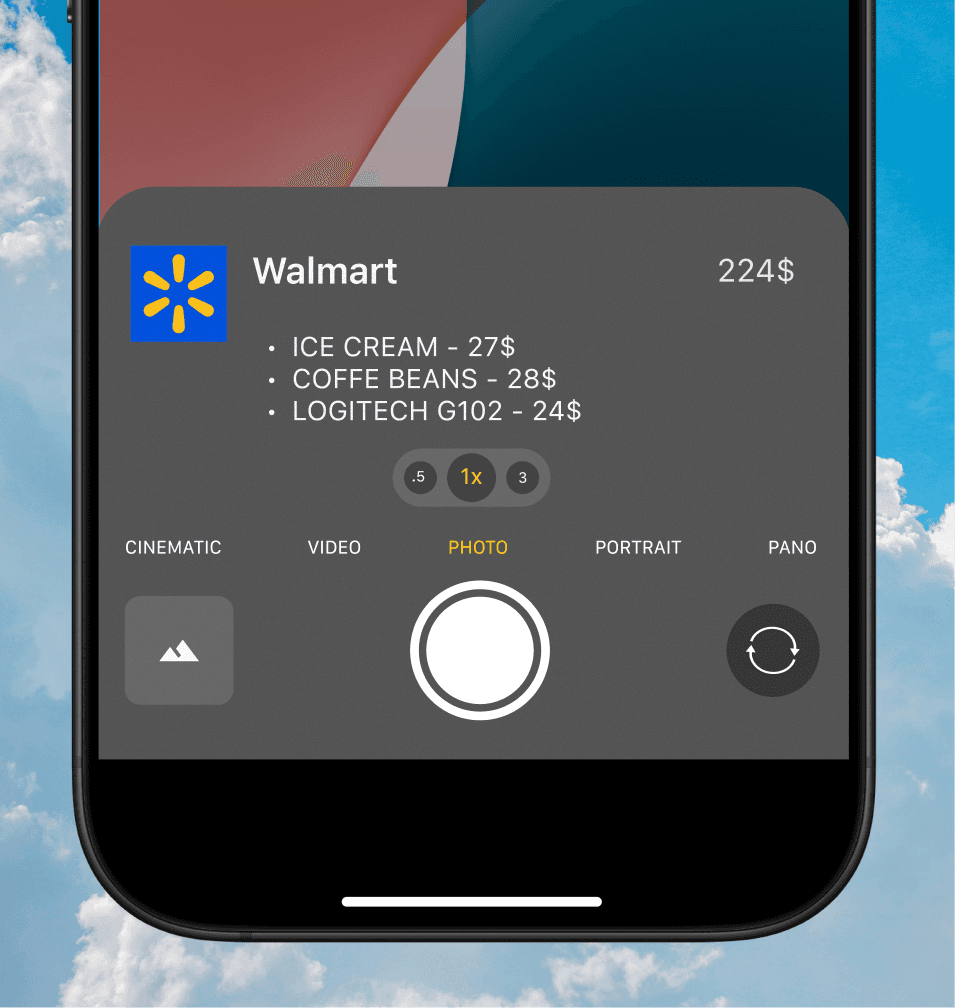
Auto-built
Camera view finding and locking onto a receipt

Camera-first capture

Locks on any receipt in real time.

Auto-lock

Customisable category system

Build a label architecture that matches how you actually think about money. Auto-assigned, fully editable, learns as you log.
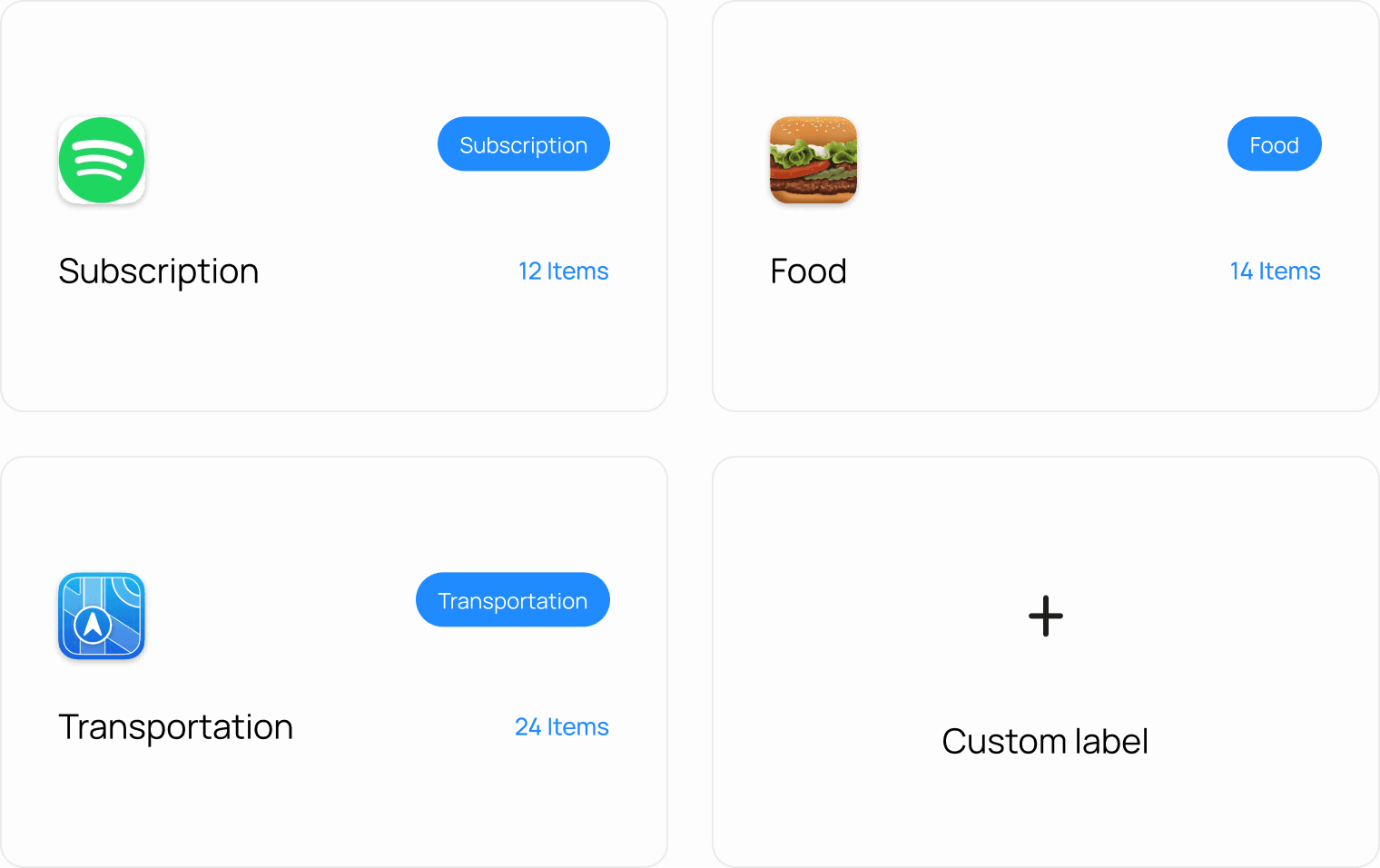
Customizable spending labels grid preview

Under five seconds

Tap the shutter. Snapense reads the receipt, fills in the details, and saves the expense. Done before you've put your wallet away.
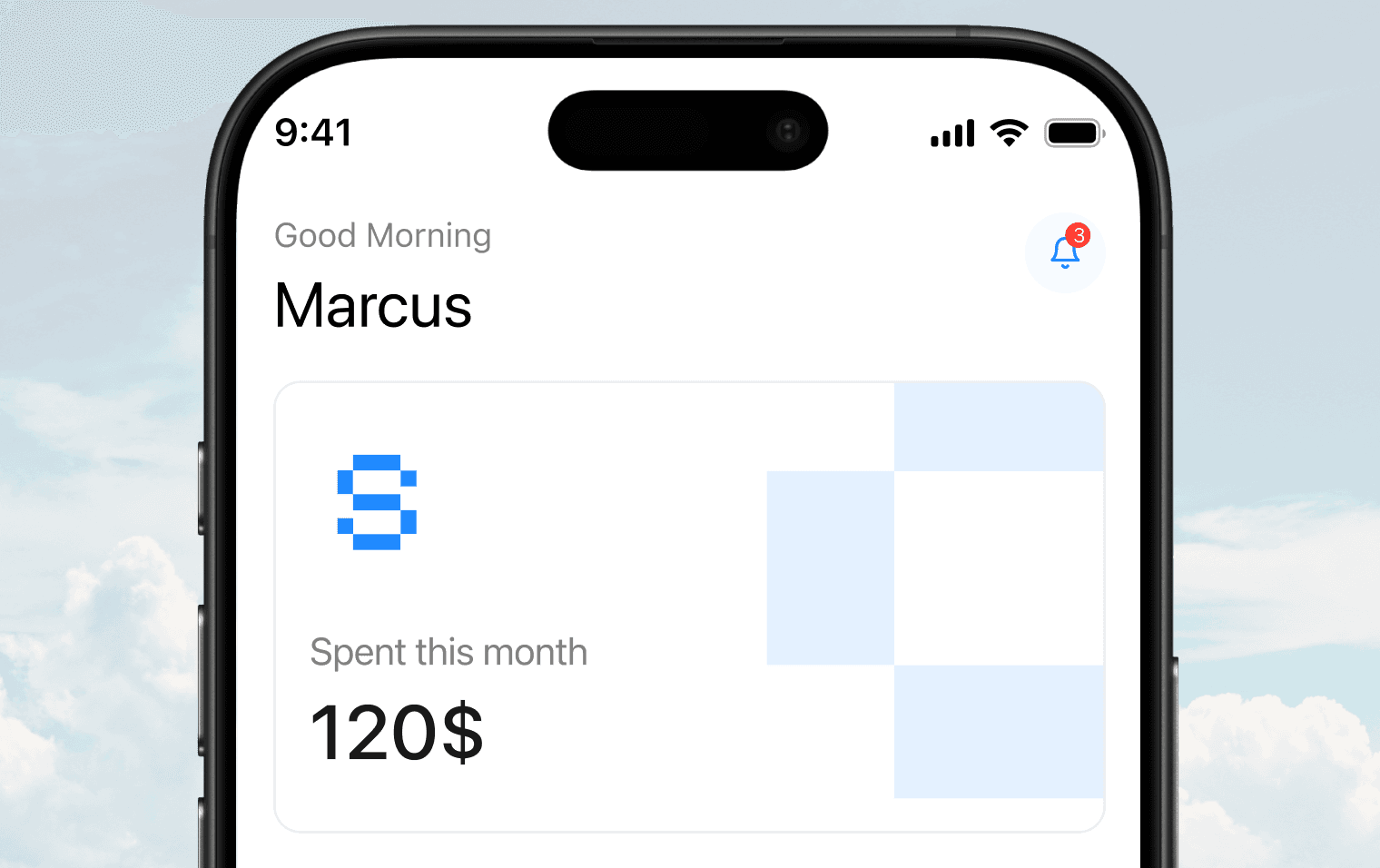
Snapense app preview on iPhone frame

Simple.
No surprises.

Start free. Upgrade when you're ready. No trial cliffs, no feature paywalls on the basics. Cancel any time from settings.

Free

To get started

0$ forever
  • 30 expenses per month
  • Camera capture
  • 3 spending categories
  • Basic history view
Pro – Most popular

For serious tracking

0$ forever
  • Unlimited expenses
  • Camera + screenshot capture
  • All categories + custom labels
  • Bank drop alerts
  • Weekly insights
  • CSV export
Annual – Save 33%

For committed savers

4$ per month - billed $48/yr
  • 30 expenses per month
  • Camera capture
  • 3 spending categories
  • Basic history view

People who
actually use it.

"I've tried every expense app. Snapense is the only one I've used past the first week — by a long way."

Marcus L.
Marcus L.Software Engineer, SF

"Finally, an app that doesn't make expense tracking feel like a chore. "

Artem K.
Artem K.Product Designer, NY

"I use it every single day. The insights I get from my spending habits have literally changed how I manage my finances."

Daniel B.
Daniel B.Freelancer, Austin

"Lightning fast, beautiful design, and perfectly syncs across all my devices. It's the standard all productivity apps should aim for."

Roman H.
Roman H.Startup Founder, London

Questions
we get a lot.

Still not sure? Everything you need to know before downloading.

What iPhones does Snapense support?

How accurate is the OCR receipt scanning?

Does it work with digital receipts and screenshots?

Is Snapense really free?

Build a label architecture that matches how you actually think about money. Auto-assigned, fully editable, learns as you log.

Is my financial data safe?

What does "bank drop alert" mean exactly?

Can I cancel Pro any time?

Start tracking.
Stop forgetting.

Free to download. First 30 expenses on us. No credit card required.

Available on iOS
4.8
Avg App Store rating